
It can be tempting to move on and leave a finished project in cloud storage.
However, creative work remains vulnerable, even once it’s completed. Your project files could still get leaked or suddenly disappear from the cloud.
Encrypted external drives and offline backups are the most secure, simple method of archival storage for studios, content creators, and other professionals.
Case Study: The Cartoon Network Leak
In October 2026, Mashable reported a massive Cartoon Network leak that exposed over 200 GB of production files on Google Drive.
The leak included storyboards, pitch documents, model sheets, and character files for Cartoon Network programming. It also included links to another site hosting additional material from its catalog.
In total, the leak compromised files for several of the network’s most popular shows. The dump contained assets for The Powerpuff Girls, Dexter’s Laboratory, The Amazing World of Gumball, Teen Titans, and Robot Chicken.
Although many of the shows no longer air, the incident clearly illustrates the security risks of Google Drive.
Lesson Learned: Google Drive Security Risks
Cloud computing and storage services like Google Drive are excellent for file sharing and working together. However, their convenience makes them poorly suited for archived data.
Flexible permissions and sharing often mean that someone with a link can spread your files. A minor oversight could lead to large-scale exposure. When that happens, you lose control of your data.
For example, Cartoon Network’s representatives may revoke links and send takedown notices to parties publishing copyrighted material. Legal teams can’t do anything about copies of production files that have already been downloaded, though.
Old project files retain much of their value. You could use an abandoned concept for a new campaign, design, reboot, or spin-off. You might monetize those assets later in behind-the-scenes art books or exhibits.
Leaked archives may also provide detailed instructions to recreate your intellectual property. These disclosures pose real risks now that billions of people with an internet connection can access capable AI models.
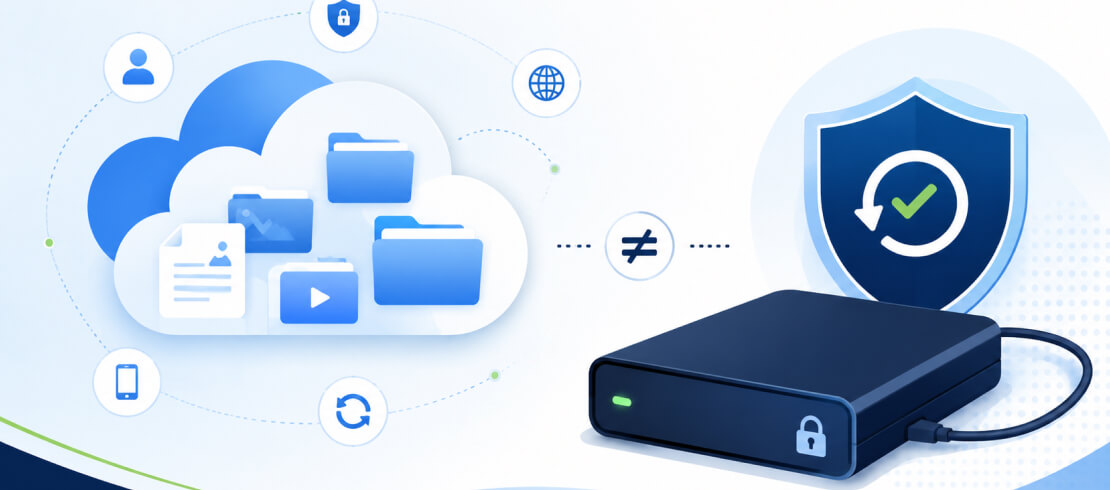
The external drive vs. cloud storage debate will continue. Both approaches have a place in modern workflows, but only one solution offers straightforward security for your archived files.
How Encrypted External Drives Protect Your Files
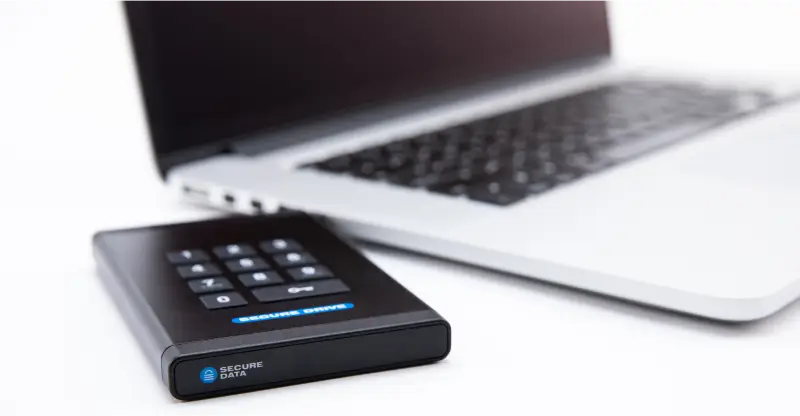
An encrypted external drive prevents a widespread leak of sensitive data.
Unlike a file-hosting site, encrypted external hard drives have built-in protection. Robust hardware encryption stays with your external drive wherever you take it.
A lost or stolen external drive stays inaccessible to anyone who finds it. Forgetting a folder on a cloud platform leaves you exposed to leakers while it stays uploaded.
In addition, shared URLs travel much faster and farther than physical media ever could.
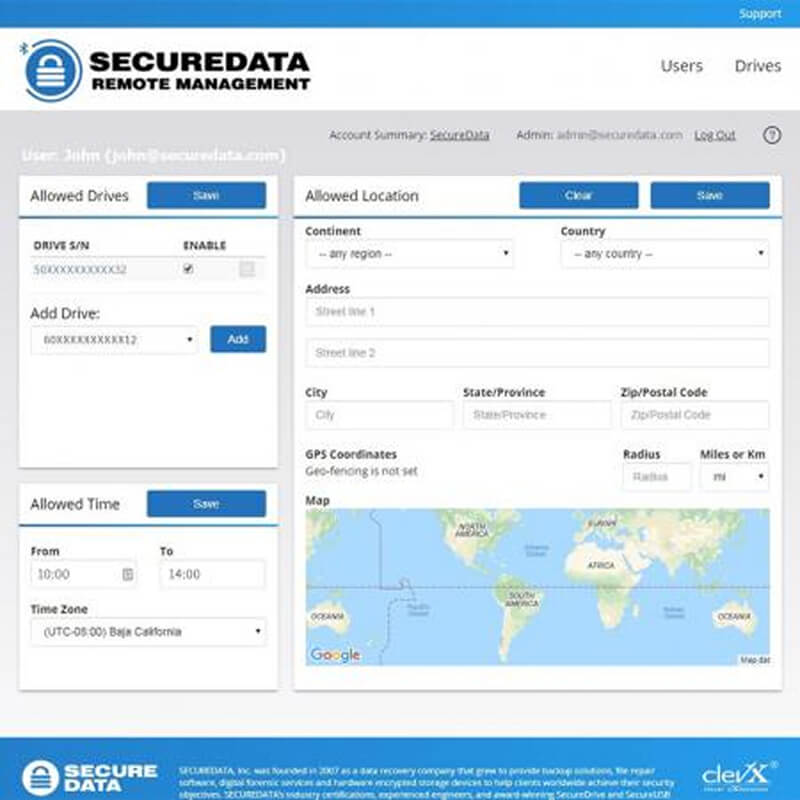
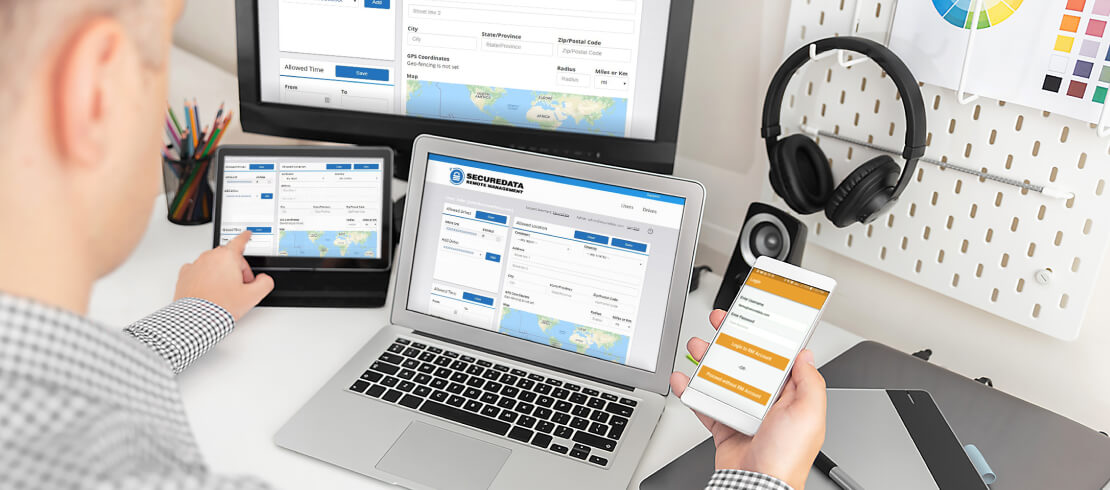
Our products have an easy-to-use Remote Management Console with auto-wipe and geofencing features to safeguard against internal leaks.
Why Your Projects Need an Offline Backup
Offline backup solutions protect your archived projects from another shortcoming of cloud storage.
Your files can vanish at any time.
It might happen slowly as admins change jobs or migrate projects to a different service. Or a cloud provider might abruptly go out of business. Even the threat of ransomware looms, as an infection could sync with your archives and lock multiple sets of data.
An air-gapped or offline backup adds another layer of security for your original files. This strategy helps ensure they remain intact and unmodified over long periods.
You can contact us to learn more about tailored SecureBackup® services.
How To Archive Files
To archive files and help protect your data in the long term:
- Archive all project files and note which software versions they used.
- Follow the 3-2-1-0 Rule: Three copies of your files on two different media, with one set offsite and zero errors during the backup process.
- Run a restore test twice per year.
- Encrypt each offline copy to restrict unauthorized access.
- Store encryption keys in a password manager separate from the external drive.
- Label external drives with the project files and dates.
- Refresh hardware every few years.
These simple steps eliminate most of the risk of maintaining your archives.
Own Your Archives With SecureData®
Since our founding in 2007, SecureData has helped thousands of businesses and people preserve their files.
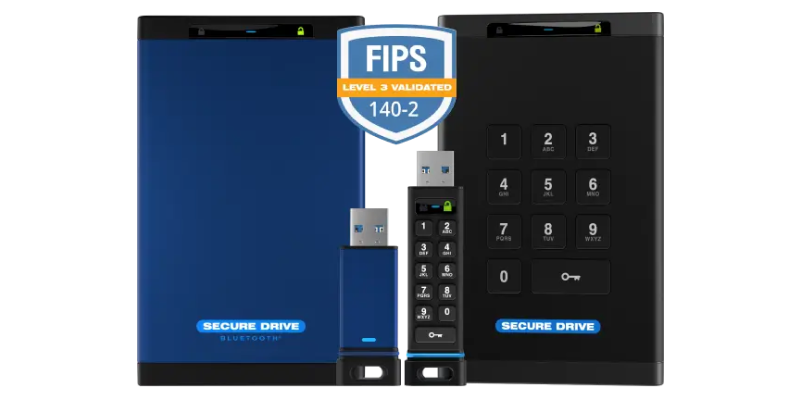
We offer several products and services designed to protect your data. Our tamper-resistant external drives have AES-256 encryption. The SecureDrive® BT and SecureDrive® KP models have FIPS 140-2 Level 3 validation from NIST. We can also handle secure offline backups as part of our managed IT services.
Your hard work deserves more than a shared link or forgotten server.
Contact us to request a free evaluation and see how our drives perform in your environment.





.png)
